• Skip to main content
  • Skip to primary sidebar
  • Skip to footer

Foliovision

  • Weblog
    • FV Player
    • WordPress
    • Video of the Week
    • Case Studies
    • Business
  • About
    • Testimonials
    • Meet the Team
    • We Support
    • Careers
    • Contact
    • Pricing
  • Products
  • Support
    • FV Player Docs
    • Pro Support
  • Login
  • Basket is empty
Affordable VAST/VPAID for Wordpress has arrived. Serve ads with your videos starting today!
    • Docs
      • Installation
      • Changelog
    • FAQ
    • Support
      • Free Support
      • Pro Support
    • PRO

    How to use the built-in Library Browser

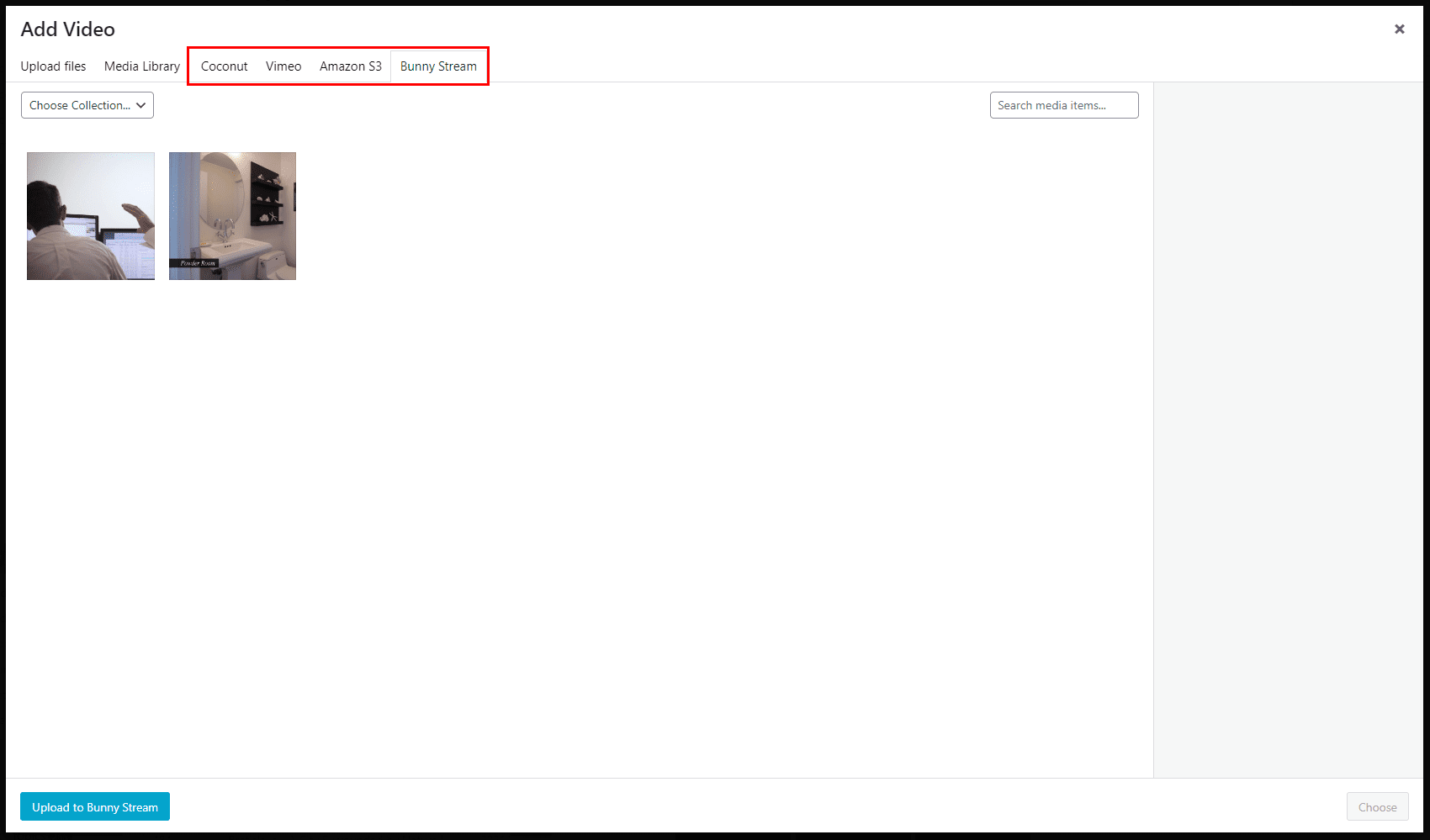
    With FV Player, you don’t need to copy-paste links to every single video by hand. You can use our built-in browser. As of now, it lets you browse via your WordPress Media Library the following:

    • Vimeo
    • Bunny Stream
    • FV Player Coconut
    • Amazon S3

    How to use the built-in browser

    Using the browser is really simple.

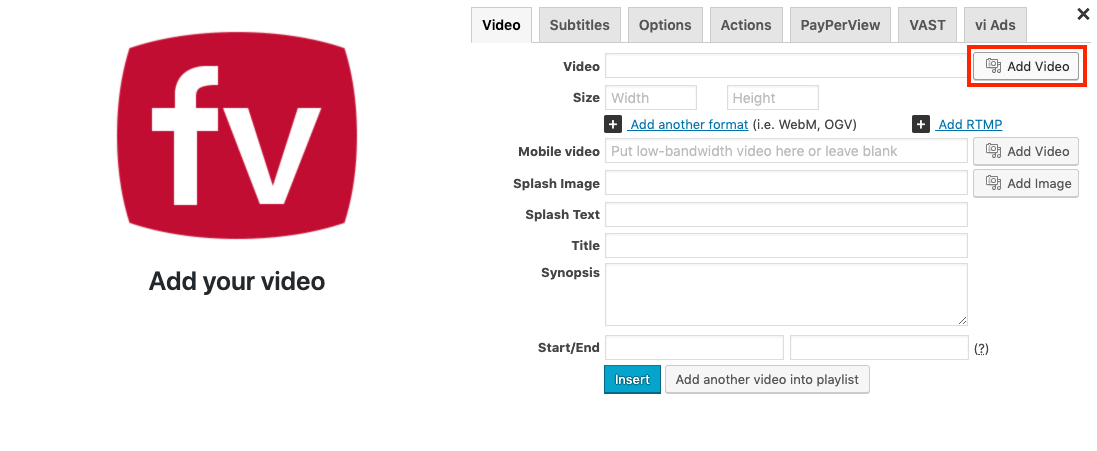
    1. Open the FV Player Shortcode editor.

    FV Player editor button

    2. Click on “Add Video” button.

    S3 browser add video

    3. Select the correct tab and you’ll see your files:
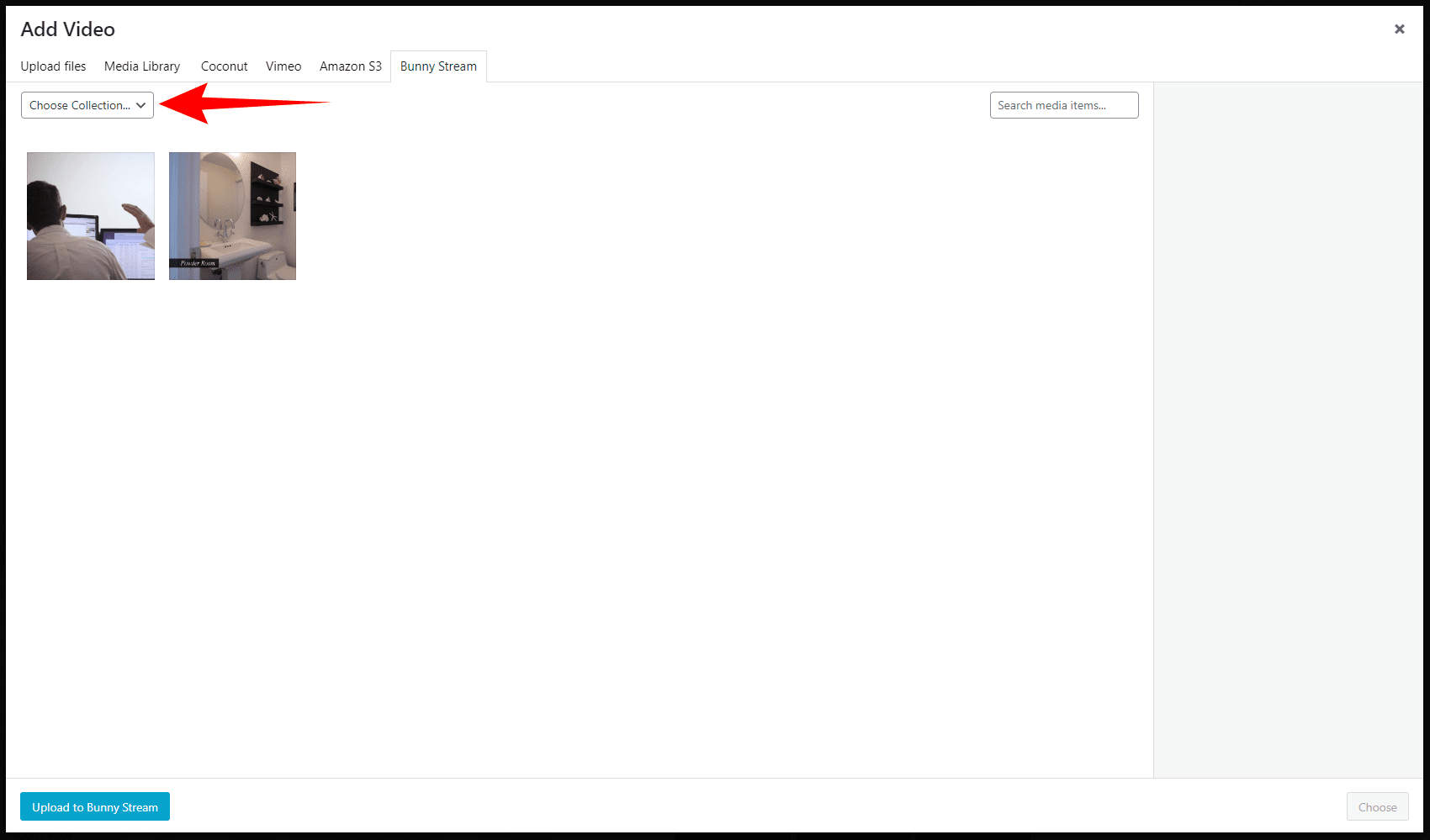
    You can also swap between various Bunny Stream collections and S3 buckets in the context menu:
    Primary Sidebar

    Getting Started

    1. Why FV Player?
    2. FAQ
    3. Creating and Managing Playlists
    4. Advanced features
    5. Video Security
    6. Troubleshooting
    7. Tools
    8. Analytics
    9. Audio Player
    10. Live Streaming
    11. Download | Buy
    12. Getting Started
      1. Installation
      2. Start-up Guide
      3. Customizing FV Player Skin
      4. Customizing Logo
      5. Customizing Controls
      6. Built-in Library Browser
      7. Using FV Player With Elementor Page Builder
      8. Make Any LMS Work With FV Player
      9. Make Any Page Builder Work With FV Player
      10. FV Player Widget
    13. Licensing and Account
    14. Setting Screens
    15. Video Hosting
    16. Video Membership, Pay Per View and eLearning
    17. Video Advertising
    18. FV Player VAST/VPAID
    19. Casting Options
    20. For Developers
    21. FV Player Demos
    22. Additional Services
    23. Legal

    Footer

    Our Plugins

    • FV WordPress Flowplayer
    • FV Thoughtful Comments
    • FV Simpler SEO
    • FV Antispam
    • FV Gravatar Cache
    • FV Testimonials

    Free Tools

    • Pandoc Online
    • Article spinner
    • WordPress Password Finder
    • Delete LinkedIn Account
    • Responsive Design Calculator
    Foliovision logo
    All materials © 2026 Foliovision s.r.o. | Panská 12 - 81101 Bratislava - Slovakia | info@foliovision.com
    • This Site Uses Cookies
    • Privacy Policy
    • Terms of Service
    • Site Map
    • Contact
    • Tel. ‭+421 2/5292 0086‬