Foliovision › Forums › FV Player › Troubleshooting › Play button doesn’t work in Huawei browser
-


Hi,
I have updated FV player and Pro to the last version but although I disabled all the plugins the videos don’t play. I mean the play button appears but it is unclickable.
How can I fix it?
thanks

-
-
Hi Capan,
We’re sorry for the issues that you’re experiencing.
In order to help you fix these issues ww would need more info from you.
Please send us a link to your website with that particular problematic video. Also your system info could be very useful for us. You can find it at:WP Admin dashboard -> Settings -> FV Player Pro -> Tools -> System info
You can simply copy the whole info to this thread. We won’t post any of your information publicly.
Thanks for using our player,
Juraj
The problem is same in all of my other websites.
I will be glad for your help.
thanks
Hi Juraj,
this is an example link you can try;
https://socialwiki.me/creative-beautiful-ways-of-tying-scarf/I have problem only on mobile.
On desktop it seems ok.
My phone is Huawei P30 Pro,
Android 10
Sysytem info:
( System Info removed )
Hi Capan,
Thanks for the system info! I was unable to reproduce the issue and it is something completely new for us. Please visit our homepage(foliovision.com) and tell us if you experience that same issue on our homepage as well.
Thanks for contacting us,
Juraj
Hi Juraj,
I can play the videos on your homepage
Hello Çapan,
I wonder if the issue only occurs with YouTube videos. What about the video here? https://foliovision.com/player/demos/youtube-embedding
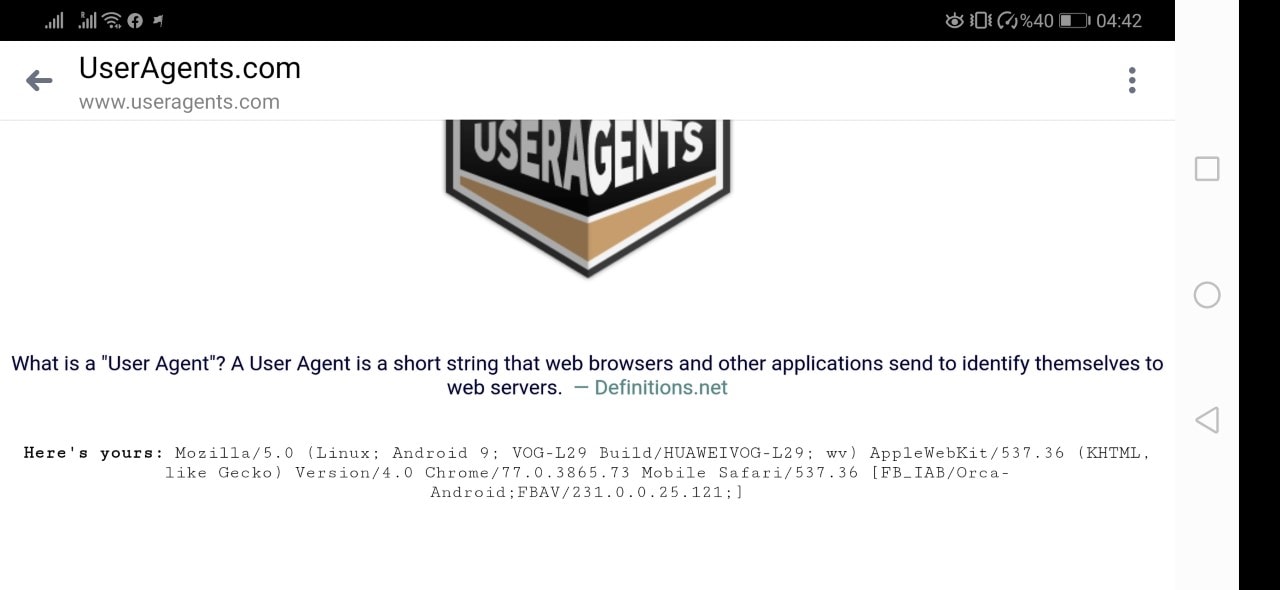
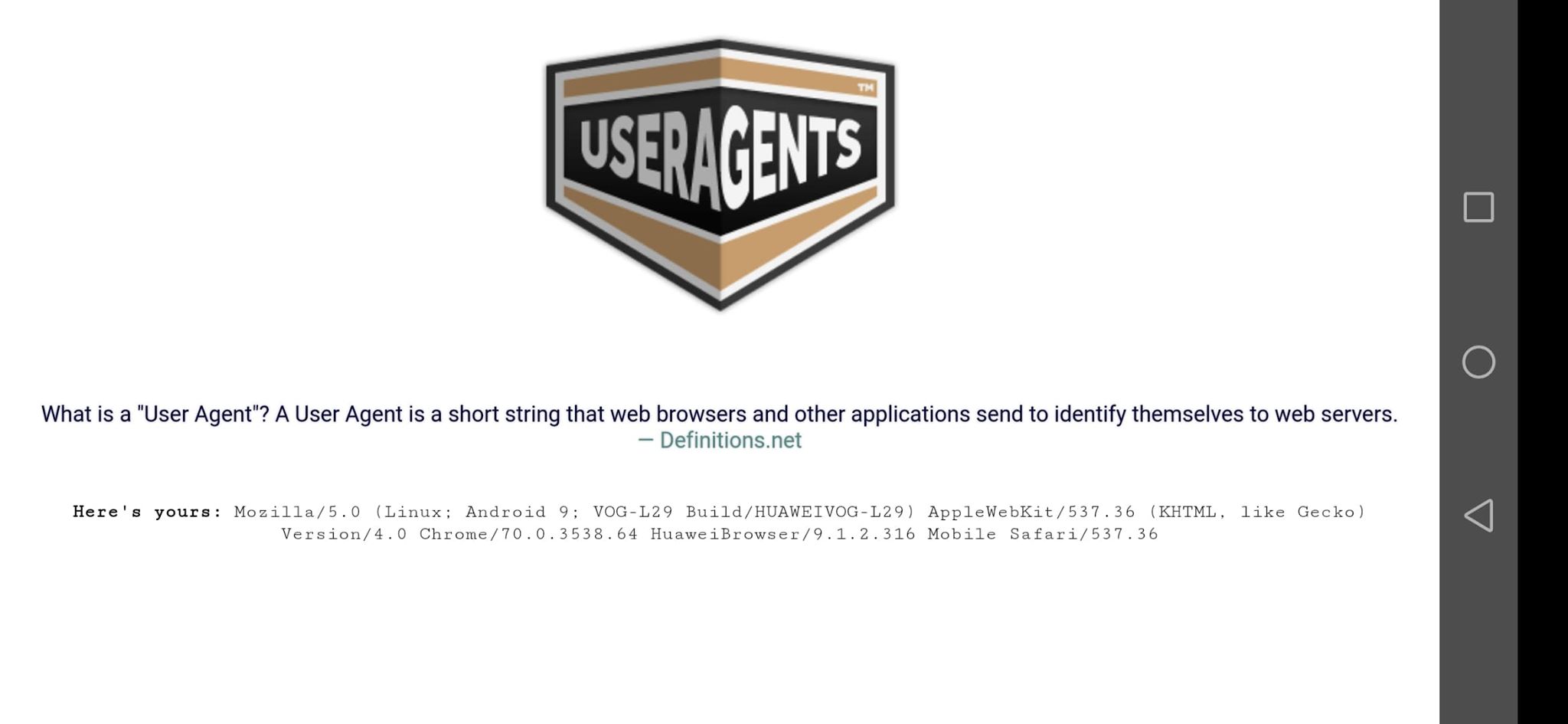
Please let us know what user agent string you get when you check here on your mobile: http://www.useragents.com/ (a screenshot will work fine too)
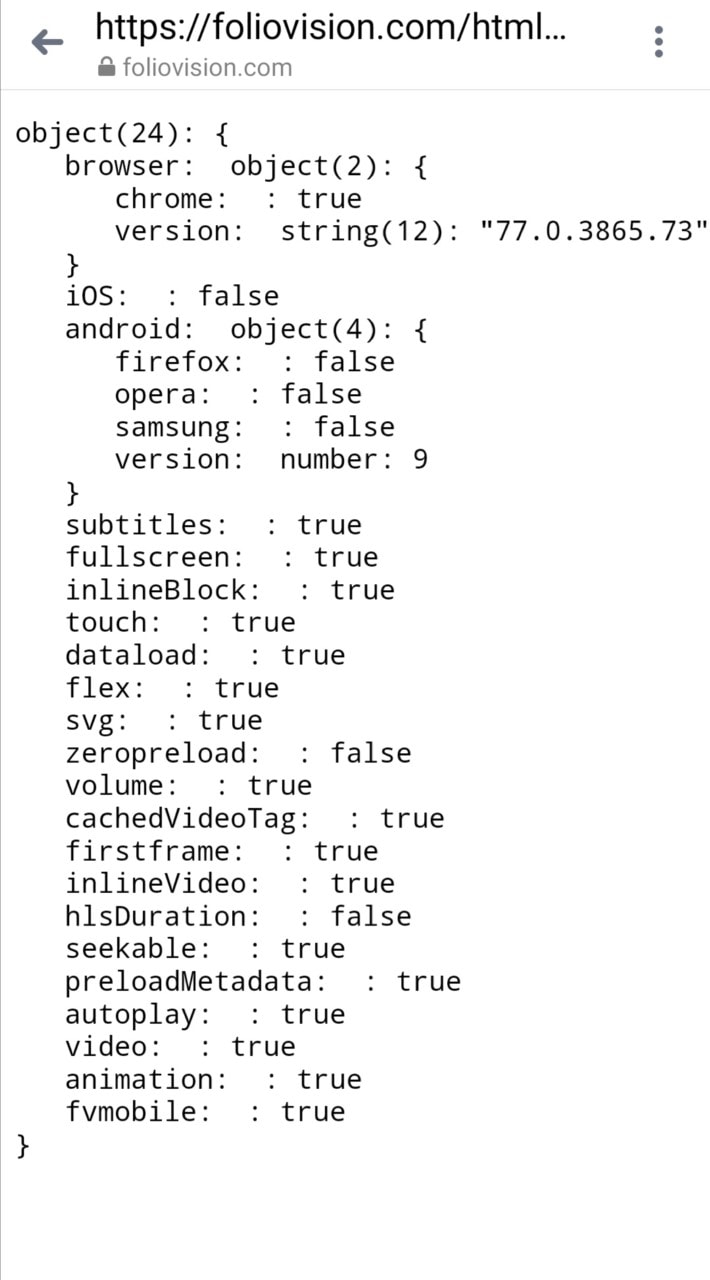
Please also provide a screenshot from your mobile of this page: https://foliovision.com/html/flowplayer-support.html
Thanks,
Martin
Hi Martin,
I can play all the videos in the first page you sent.
I also attached the screenshots you asked for.
Best regards
Capan
Also If you need an admin account to check it I can send it.
Hello Çapan,
so you are using Android 9 with the Facebook in-app browser actually. Does it work for you if you post a simple MP4 video?
Does it work for you if you try the built-in browser?
Does it work for you if you try the Google Chrome?
Thanks,
Martin
Hi Martin,
I have checked again and found out that it doesn’t play only in Huawei’s default web browser.
In Chrome and other browsers it looks OK.
Thanks a lot for your help.
Best Regards
Hello Çapan,
please post screenshots of http://www.useragents.com/ and https://foliovision.com/html/flowplayer-support.html using that Huawei browser.
Thanks,
Martin
Hello Çapan,
so our website gives you no trouble in Huawei browser, even the YouTube demo at https://foliovision.com/player/demos/youtube-embedding ?
What about the simple MP4 file on your website, would that work?
I think you are running some ads, does it work on Huawei if you disable these ads?
Thanks,
Martin
Your demos work fine in Huawei Browser,
I tested with self-uploaded MP4 videos and it works fine with it (ads enabled)
It doesn’t play youtube videos ( both ads enabled and disabled).
Hello Çapan,
please check if that Huawei browser plays the video here: https://developers.google.com/youtube/youtube_player_demo
Thanks,
Martin