DRM Text works as an overlay box over the video, protecting your videos from screen-recording. There is a possibility to bypass it by playing the video as a picture in picture. We have fixed this in nearly all browsers, however, it cannot be simply disabled in Firefox, as this browser does not adhere to the W3C specifications.
We have now found a way to disable the picture in picture option for videos with DRM Text in Firefox browser as well.
The Picture in Picture feature is a floating video box able to play on top of other windows, allowing you to interact with different windows while continuing to watch a video in the corner of your screen. This is a browser feature, not an FV Player one, and is different from the FV Player Sticky Video feature where the video only follows you while scrolling on the original page.
You can trigger the Picture in Picture mode by this button:
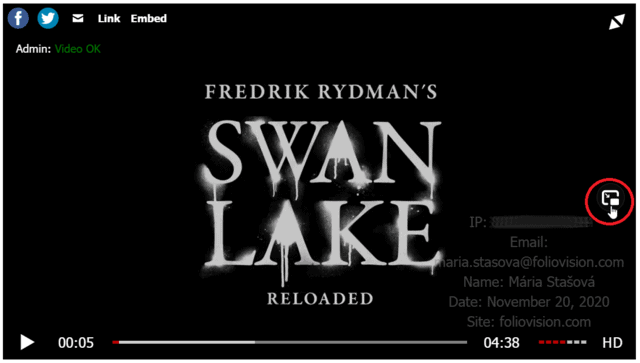
Firefox Picture in Picture button
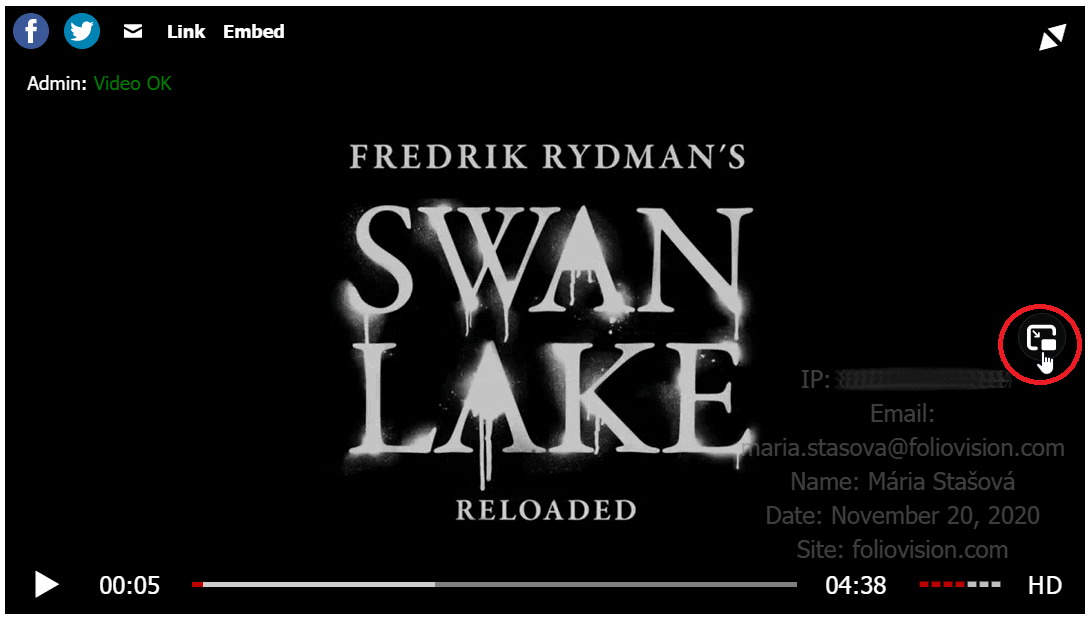
However, once you would trigger it, the video that pops up would not have the DRM text on it, thus could be easily enlarged and screen captured:

Picture in Picture video with no DRM text
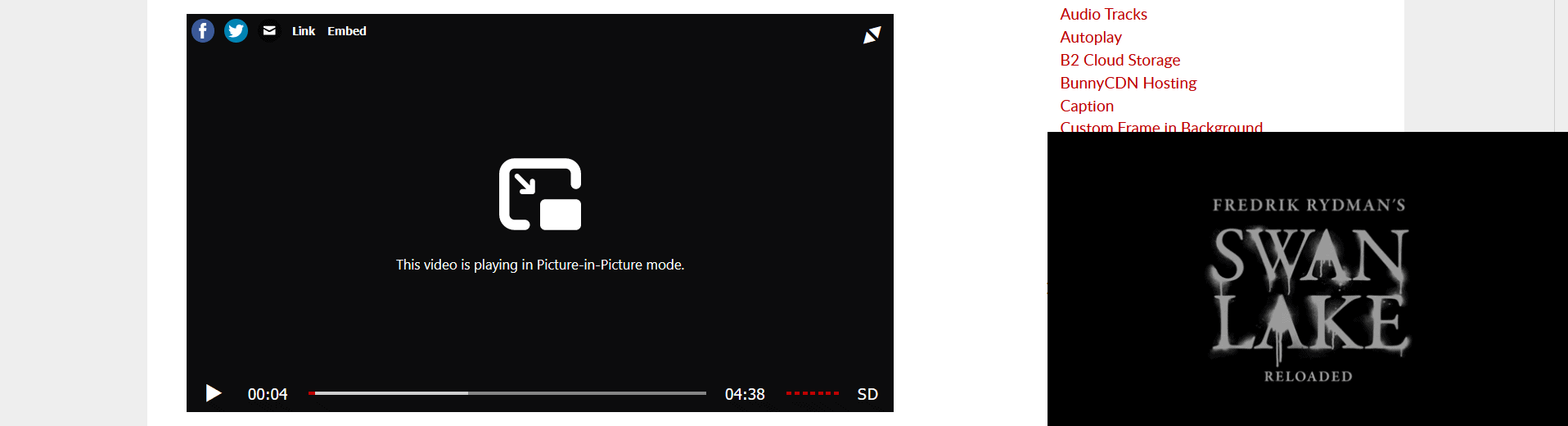
So it was easy to get rid of the DRM text using this technique, but fortunately we fixed that.
Note: Don’t worry, disabled Picture in Picture mode only applies to videos with DRM text. You can still enjoy this feature in Firefox for all the other FV Player videos.
Stay tuned for more
We are trying to make our FV Player plugin better ever single day, by bringing more and more upgrades and updates. You can help us a lot, by giving us feedback or letting us know your thoughts by giving us a review.
If you have any tips or questions, do not hesitate and contact us via our Forum!

Hi, so is it possible to disable the ‘Picture In Picture’ button for all videos, even if they don’t have DRM text? How?
Hello Ab,
at this time, disabling picture in picture is automatic and only works with DRM text as an additional security measure. However, doing this as a separate setting affecting all videos could be an interesting idea. I will let the developer team know to see, if we’d like to add it as a feature.
Thank you for the suggestion!
Making the web work for you, Maria
That’d be brilliant, thanks! When doing in-house UX testing, we found that more people clicked on the PiP icon expecting full screen functionality (and getting confused when that’s not what happens) then the actual full screen icon. Which is somewhat understandable, as the double triangle icon looks very different from the dashed square icon used on YouTube/LinkedIn, and it’s also not positioned in the bottom right corner like in many other players, so the PiP icon seems like a logical alternative – but of course it isn’t… So it would be good to be able to hide it in Firefox. In other browsers people knew what to click. :)