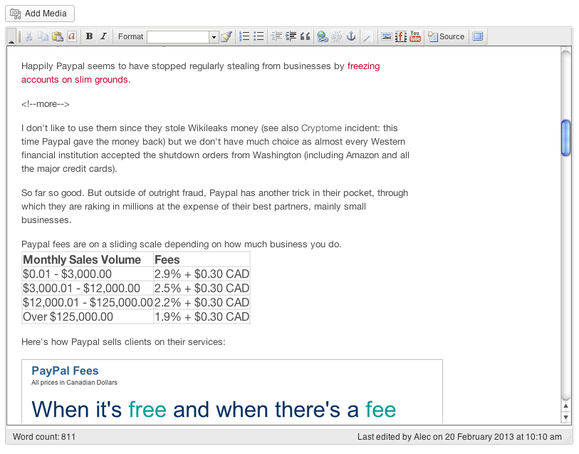
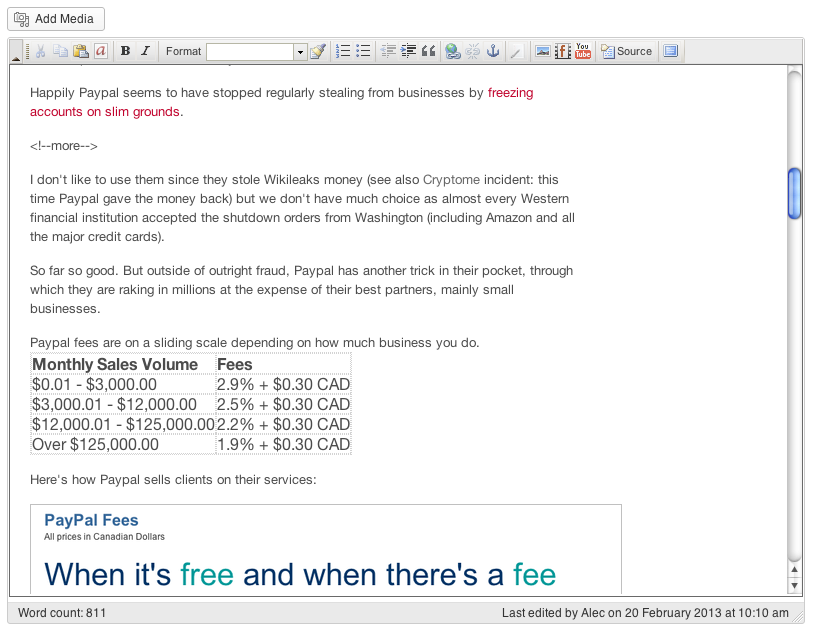
Foliopress WYSIWYG preview
We take a lot of care to code our plugins and our client sites in a resilient way. Recently WordPress updated to 3.9. Major versions are always a dicey affair. We had two great testimonials for our Foliopress WYSIWYG. One from Dennis Rivers of New Conversations:
WordPress just updated to 3.9 today (April 16, 2014), and the built-in page editor plus almost all of the alternative page editors crashed on my sites. Only Foliovision WYSIWYG Version 2.6.8.9. kept working!
I hope this is not happening to millions of wordPress users around the world, but I am afraid it might be.
Thanks for all your hard work to make a great implementation of ckeditor!
Another came in from Richard Nikoley, paleo expert at FreeTheAnimal.com:
FYI, the new WYSIWYG in 3.9 WordPress is NOT.
It’s OK, mostly there, but to fix many BS after I did a test draft and post with it, I had to activate FV WYSIWYG and simply open and save.
It fixed every single issue.
Our code works for a long time as we code defensively and try to avoid hacks. It takes a lot longer to take hacks out: they end up costing you more time than they save.
If something is worth doing, it’s worth doing right.
Technical Note
For those who are interested in the gritty details, what’s wrong with the latest WordPress 3.9 update in terms of editing is that WordPress has decided to stop users from setting a non-standard default window size for the editor. This is a real annoyance as customising the backend editing space was always one of the joys and freedoms of WordPress, as compared to Typepad. You could make your editing space your own and strip it for battle.
Now you can’t. Well you can if you use Foliopress WYSIWYG. WordPress have occasionally made it more difficult to promote a third party WYSIWYG. Well, now there’s a very good and clear reason you might want to try one.
The other great thing with editing in Foliopress WYSIWYG is you can get true WYSIWYG by just adding a few lines of CSS to your configuration.

Alec Kinnear
Alec has been helping businesses succeed online since 2000. Alec is an SEM expert with a background in advertising, as a former Head of Television for Grey Moscow and Senior Television Producer for Bates, Saatchi and Saatchi Russia.

Foliopress wysiswyg is the ONLY editor wordpress users need
Hi Guys,
After the latest wordpress jump to 3.9 it totally made my life a living hell. Trying all the workarounds, unplugs, re-unplugs, different browsers, – oh my God’s what the hell is wrong with this…
I simply jumped ship to Foliopress plugin. I’ll be doing a review on your plugin over at my website http://www.therockandrolltimes.com
In the meantime… thank you so much for saving my sanity. I used the custom settings in Foliopress and they work just dandy.
Big Hugs,
Regards,
Will
Hi Will,
Thanks for your kind words. I’m glad Foliopress WYSIWYG is helping you now. We still much prefer working on sites which have it installed. Everything works and very little changes: a pity Automattic doesn’t have more respect for stability and consistency.
You might like our video plugin as well. FV Player lets you use Vimeo Pro to host all your videos with your own skin and no link to external hosting (or Amazon S3 or Amazon Cloudfront). Oh and we recently added a built-in video lightbox. If you like Foliopress WYSIWYG, I think you’ll love FV Player.