If your article contains a video and you share it on X/Twitter you want the video to play right there. Just like it does in regular X posts:
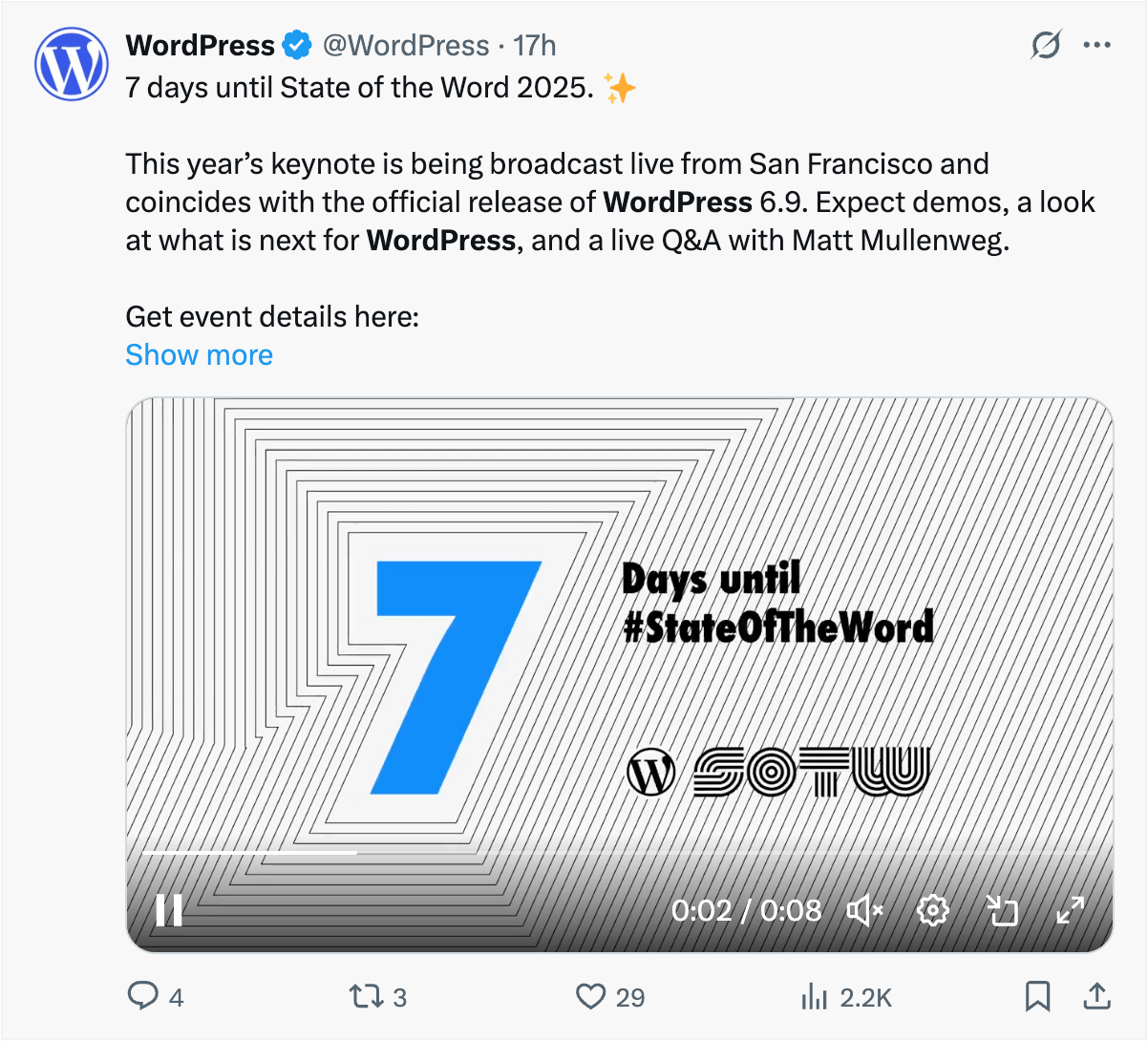
X tells you to use X Cards to adjust the way your posts appear when posted on X. Here’s the standard Summary Card appearance:
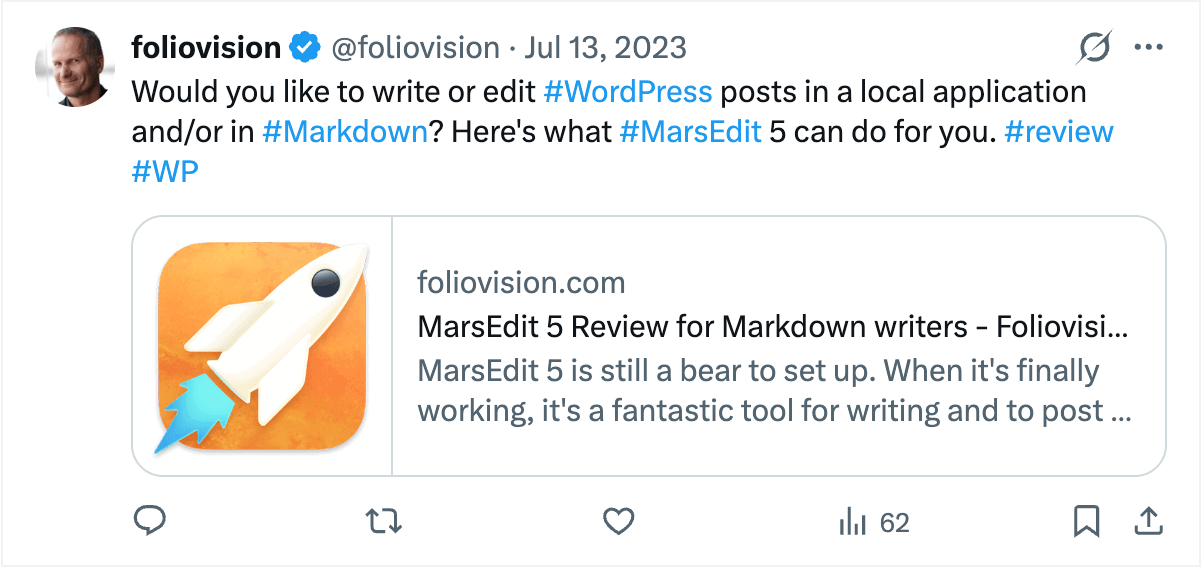
It does not display your image in a very attractive way, so there’s the Summary Card with Large Image as well:

And finally there is also the Player Card which can display video.
This is from the X Developer Platform documentation page for Player Card:
Video and audio clips have a special place on the Twitter platform thanks to the Player Card. By implementing a few HTML meta tags to your website and following the Twitter Developer Policy, you can deliver your rich media to users across the globe.
However it’s not exactly truth.
To create a valid Player Card you need to provide the player link using the twitter:player field. It should show the video player without too much distraction. We can provide exactly that using the FV Player Iframe Embedding.
But the behavior is different on X website and in the X mobile app and never perfect.
How does it show in web browsers
In a standard web browser (desktop or mobile) X will not actually show your player, you end up only getting small video thumbnail with a play icon:

Clicking the play icon simply open your webpage in a new browser tab. The video will not play on X.
How does it show in X mobile app
The situation is different in the iPhone mobile app. Here the actual iframe does load… but only when the post (tweet) is clicked.
Before that it appears as a text with no video thumbnail. How am I supposed to guess there’s a video?
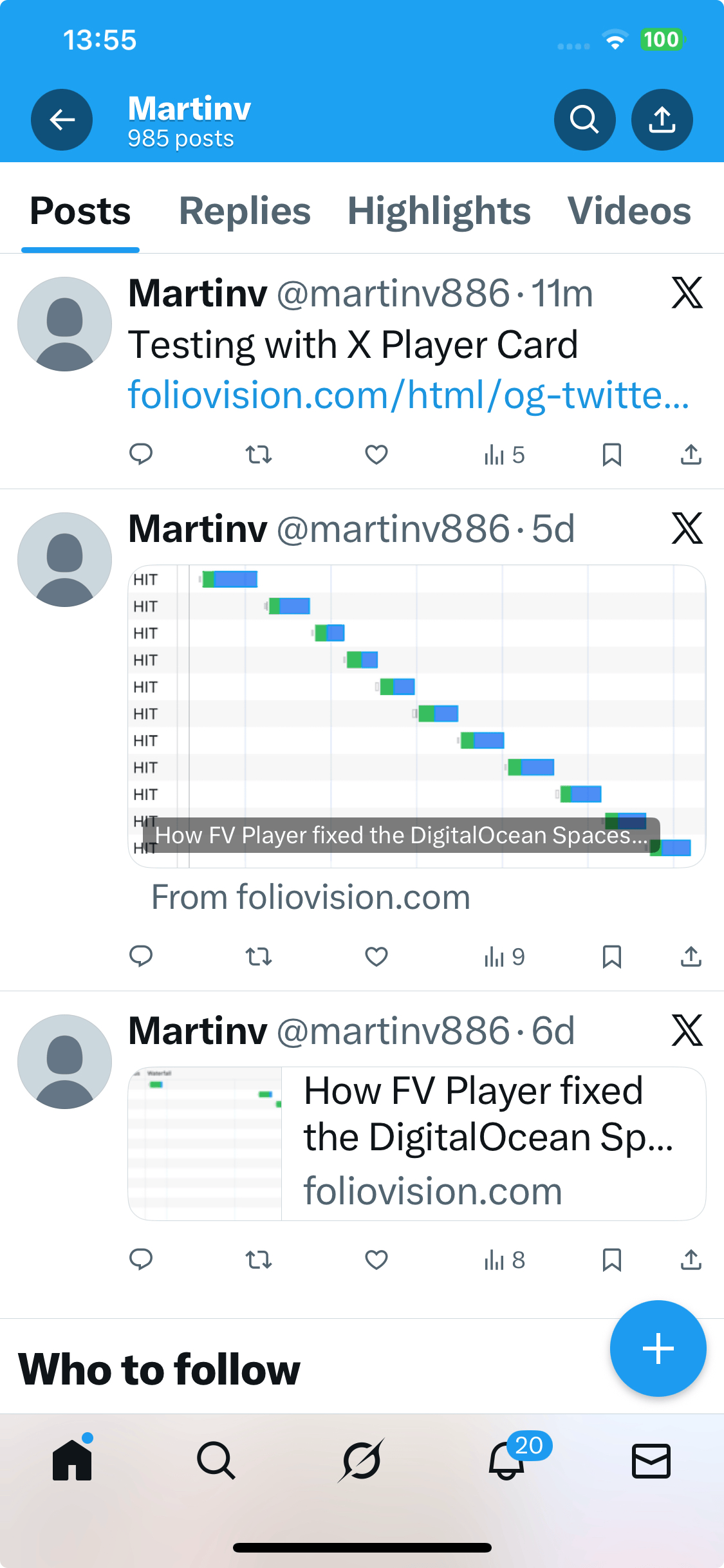
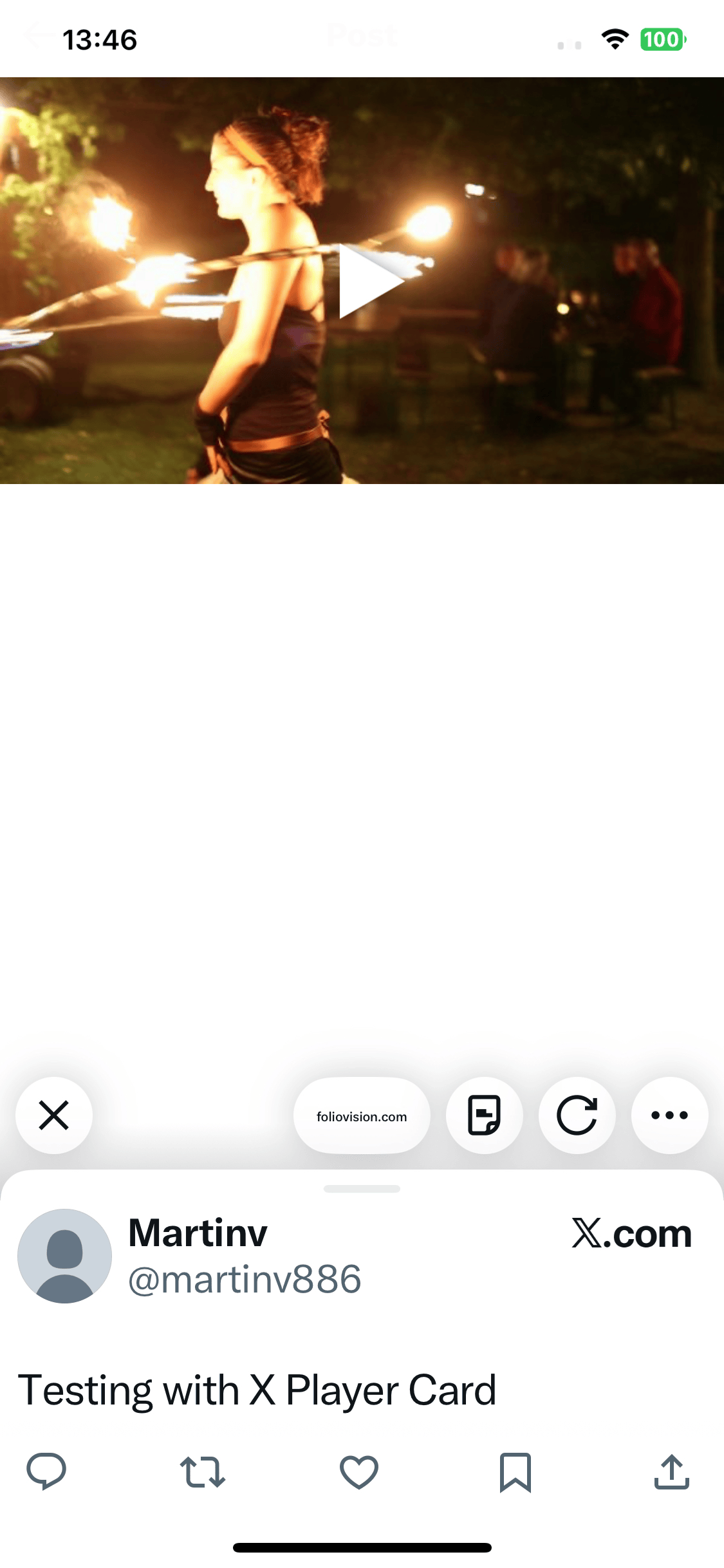
It’a also impossible to click any link to get to your website.
The X mobile app does show which domain the iframe is loaded from. Tapping that will show the “Open in browser” button:
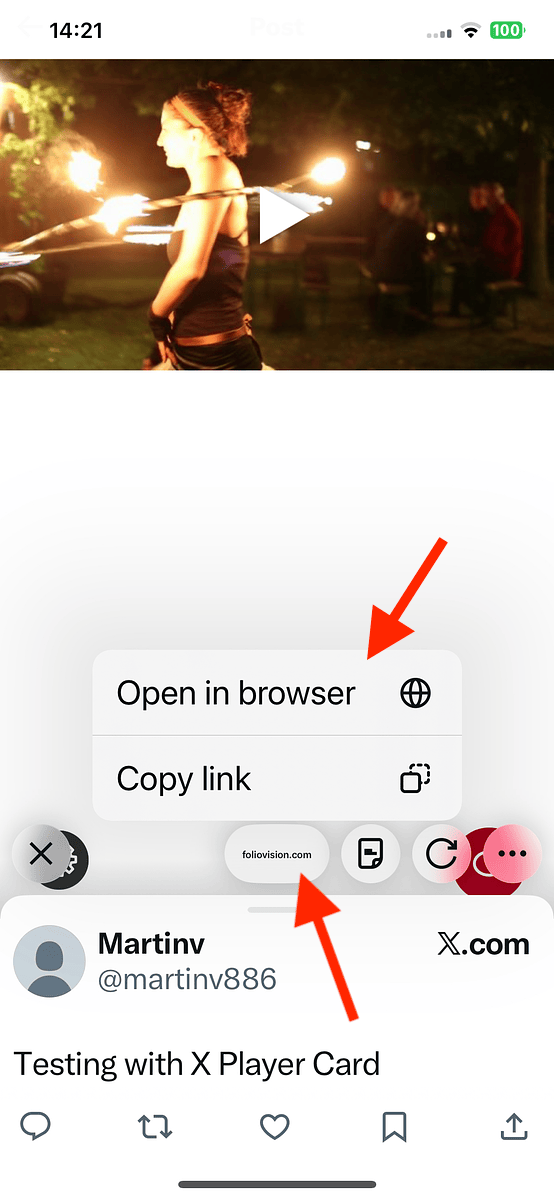
However clicking that only open the iframe URL and not the actual page with your video.
You would have to insert the same link twice in your X post (tweet).
So to compare the way Player Cards are shown in different environments:
| Web Browser | Mobile App | |
|---|---|---|
| Video thumbnail | Yes, but very small | No |
| Link back to your website | Yes | No |
| Video playing | No | Yes |
How to share your website videos properly
For these reasons we decided to just use the Summary Card with Large Image. While it will never play the video, the big image looks very attractive and links to your website.
To make it obvious it’s a video, we overlay a play icon on top of the video splash image:
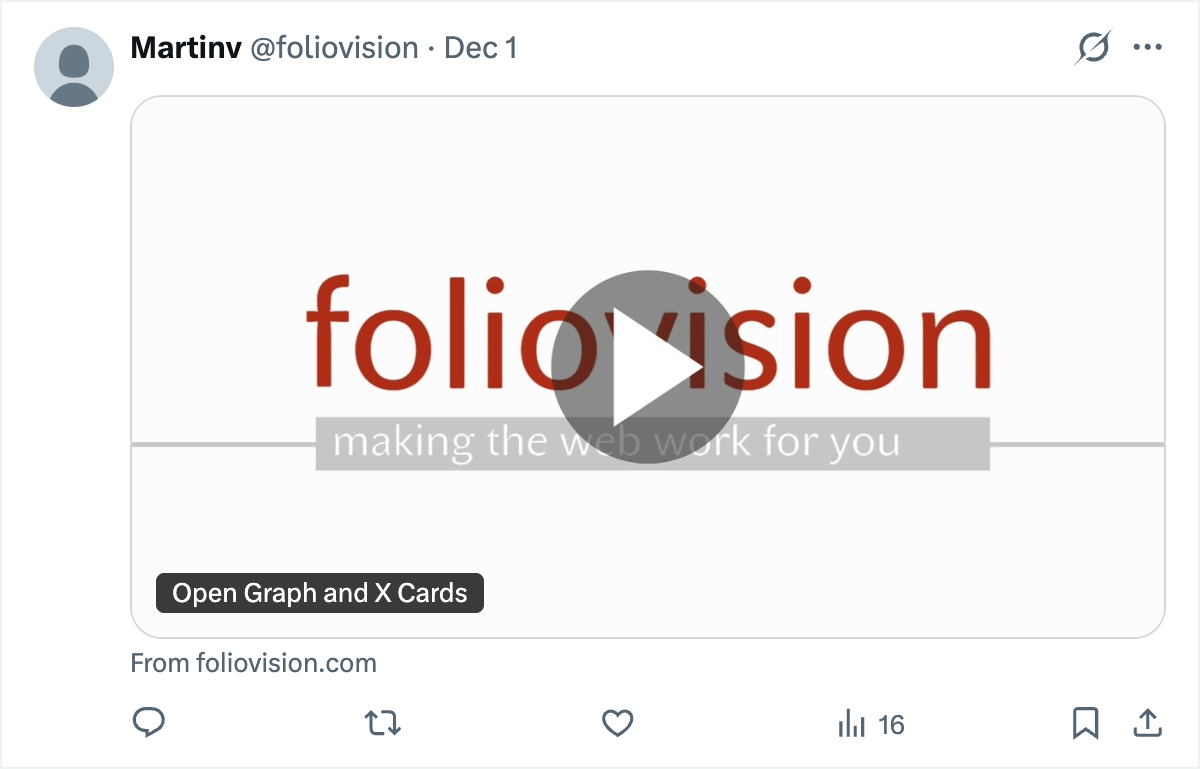
This will happen automatically in the FV Player version 8.2 which will be released when we finish more testing.
The other option of course is to upload your marketing videos to X directly.

Martin Viceník
Martin graduated as an engineer in Computer Science from Slovak Technical University in Bratislava. He grew up in Liptovský Mikuláš in northern Slovakia next to the beautiful Tatra mountains. He is the developer behind our FV Player.

Leave a Reply