Forum Replies Created
-
-
5 months ago in reply to: Audio player config


I wrote a player with Claud.ai that plays audio and properly uses the Media Session API to play on the lock screen… let me know if you want the code.
6 months ago in reply to: Audio player config
…I also put the video player configured player into full screen mode, since that will often hold the player open on the Lock Screen, and this did not work either.
6 months ago in reply to: Audio player config
Just to clarify: I could not find the <audio> and <video> tags in the html when I set the 3 Mobile settings to on.
6 months ago in reply to: Audio player config
Hi Martin, I recently started work on this FV Player as an Audio player again, and I have all 3 Mobile settings all switched on. However, the iPhone using Safari does not allow the audio player to continue playing when the Lock Screen goes on.
According to ChatGPT:
iOS Safari & Chrome: Apple only allows background/lock-screen playback for media using the native <audio> element or <video> element in certain cases. When FV Player is rendering your HLS .m3u8 stream inside its custom player, iOS suspends it as soon as the screen locks.I also played an audio m3u8 stream from the video player, I get the same results, no play in the Lock Screen, so it seems that the native <audio> and <video> elements are not used, event with the Mobile settings? I could not find them.
Please let me know if there is something I can do to make this work.
Thank you
11 months ago in reply to: Audio player config
11 months ago in reply to: Audio player config
Hi Martin,
- Here is a test page with the Short Codes using * in place of []
( redacted )
Note the top shortcake keeps getting an AirPlay button added – now I have three showing.
- Makes sense.
12 months ago in reply to: Audio player config12 months ago in reply to: Audio player config
Hi Martin, here are a couple other items I noticed in my testing:
- The full screen button is not displayed when selected in Controls. On iOS, I believe that full screen keeps the player running and shows it in the Lock Screen, so it seems important.
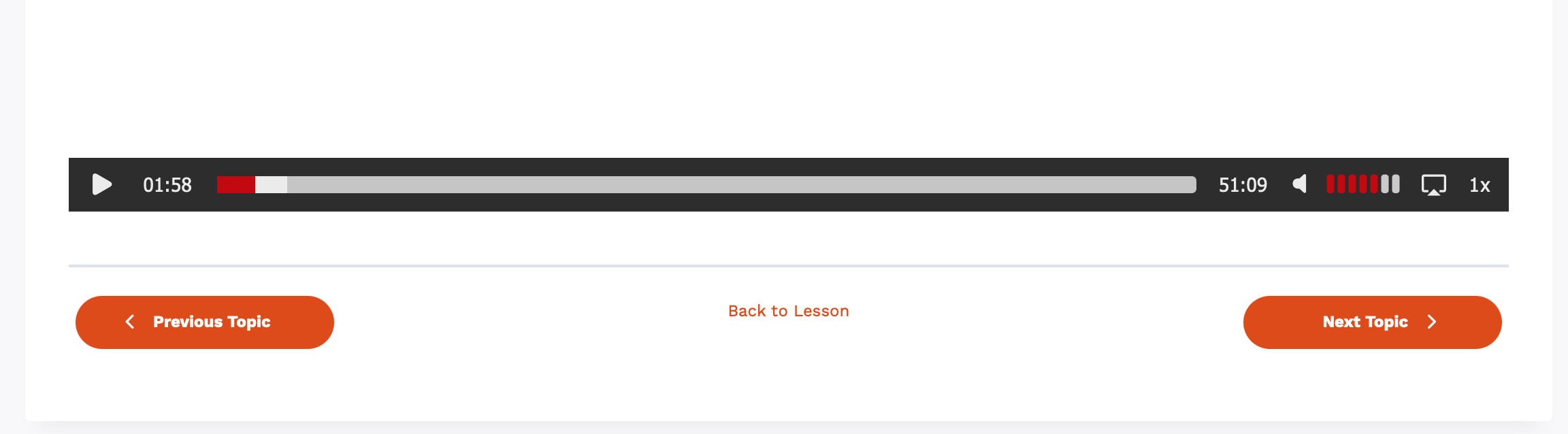
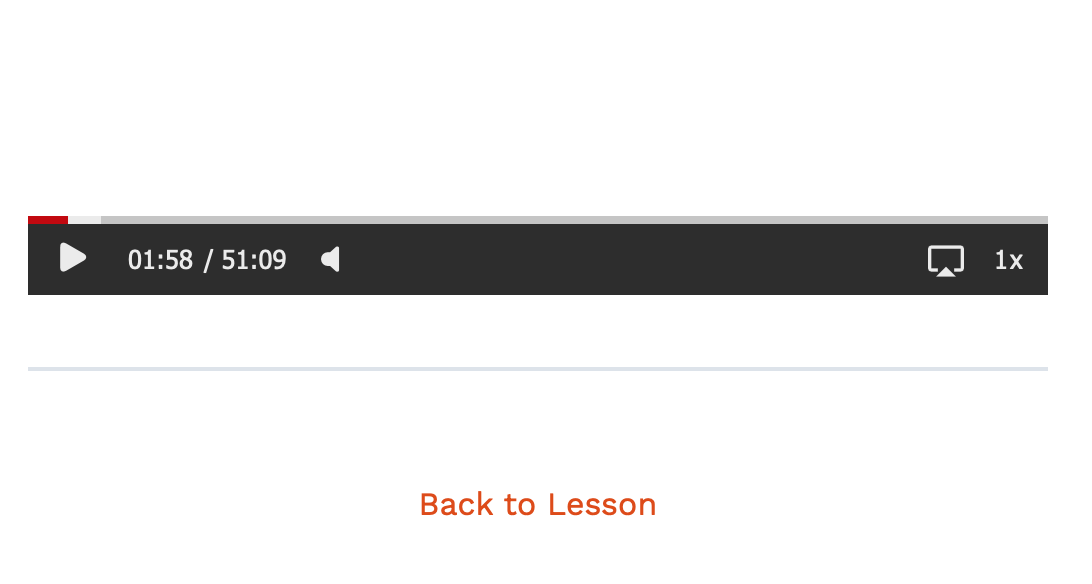
- When the player is narrow, say on a mobile device, there is no audio control.
I am using the private copy you sent me on my production server.
Thank you
12 months ago in reply to: Audio player config
I was also wondering why you have the version number ‘8’ in the name… I suppose there will be a 9, 10, etc.
12 months ago in reply to: Audio player config
Thanks, yes, that type tag works with the download you sent to make it an audio player.
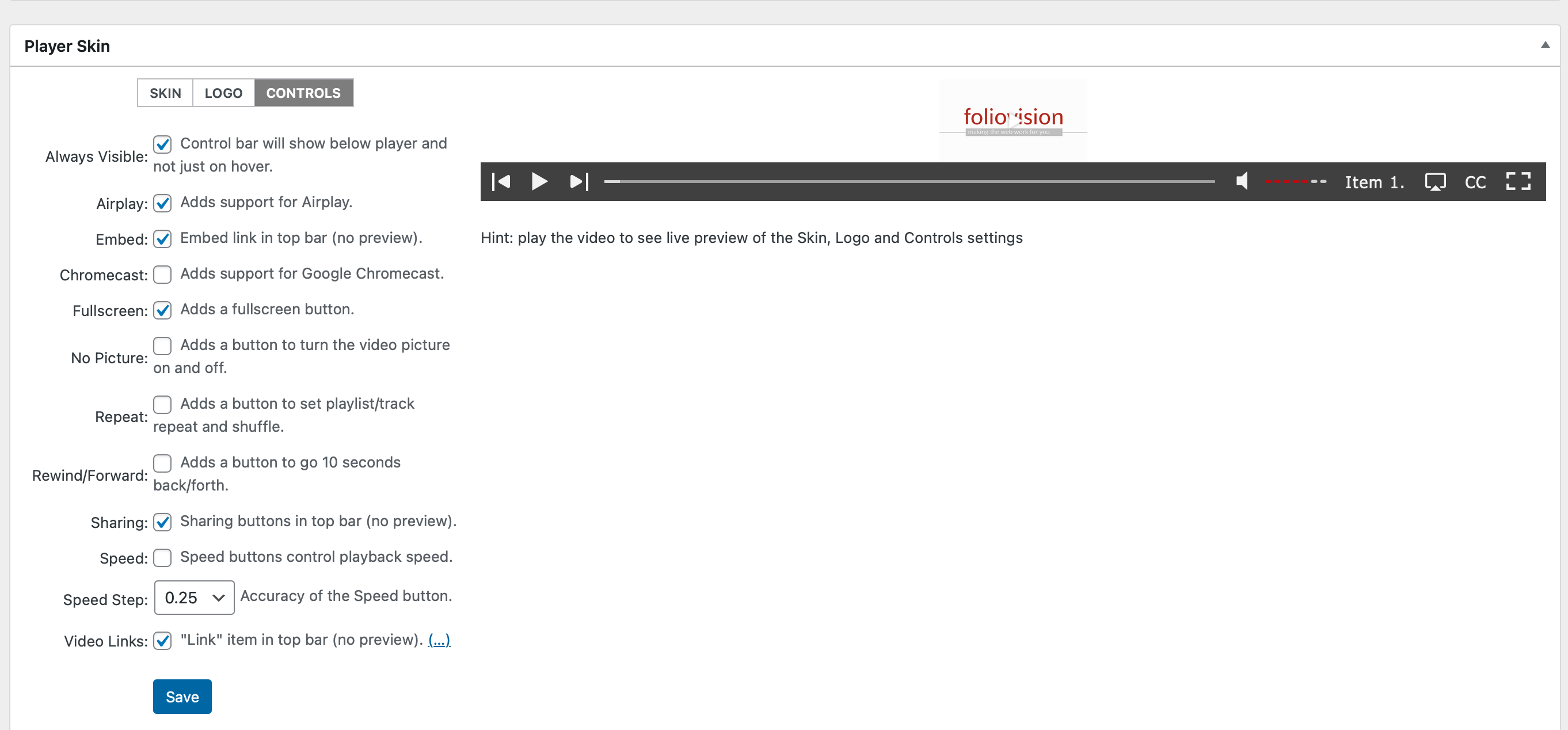
It was hard to find “Controls” in the Player Skin section on the Skin page. Maybe these could look like tabs with a different selected color?
The preview on the player skin section is white-on-white unless this is toggled, which is probably fine: Always Visible
The horizontal audio control looks like it would be hard to set on a mobile device due to size. Perhaps the device volume rocker would toggle that.
Any plans to be able to adjust the player controls’ size and make the player taller? They’re a bit small for an audio player.
Thank you – very nice work!
12 months ago in reply to: Audio player config
Also, I am not used to a version update becoming a new plugin, and then you lost all your good reviews, and now there is one 3 of 5, that is not flattering.
12 months ago in reply to: Audio player config
Hi Martin,
I am testing v8, and the short code that uses a src attribute is not working: it’s showing UI with a white background, and auto hide on. This does not work:
[fvplayer src="https://je-audio-stream/stream.m3u8" share="false"]What happened to these settings/features:
- Controlbar Always Visible
- Removes sharing buttons from top bar
- Removes the “Link” item to the top bar
This works as you describe – like an audio player:
[fvplayer id="2" width="640" height="50" share="false"]Thank you
12 months ago in reply to: Audio player config
Thank you Martin.
I’m using the WordPress plugin. There does not seem to be an update:
FV Player
Formerly FV WordPress Flowplayer. Supports MP4, HLS, MPEG-DASH, WebM and OGV. Advanced features such as overlay ads or popups. Uses Flowplayer 7.2.12.
Version 7.5.49.7212 | View detailsFV Player Pro
Provides Vimeo and YouTube integration, custom video ads, encrypted HLS, AB loop and more for FV Player.
Version 7.5.50.7212 | By Foliovision | Visit plugin siteThank you