• Skip to main content
  • Skip to primary sidebar
  • Skip to footer

Foliovision

  • Weblog
    • FV Player
    • WordPress
    • Video of the Week
    • Case Studies
    • Business
  • About
    • Testimonials
    • Meet the Team
    • We Support
    • Careers
    • Contact
    • Pricing
  • Products
  • Support
    • FV Player Docs
    • Pro Support
  • Login
  • Basket is empty

RTMP file not found – not working in preview

[Solved]

Foliovision › Forums › FV Player › How to … › RTMP file not found – not working in preview

  • Omar Schettini 5 years, 9 months ago

    Hi:
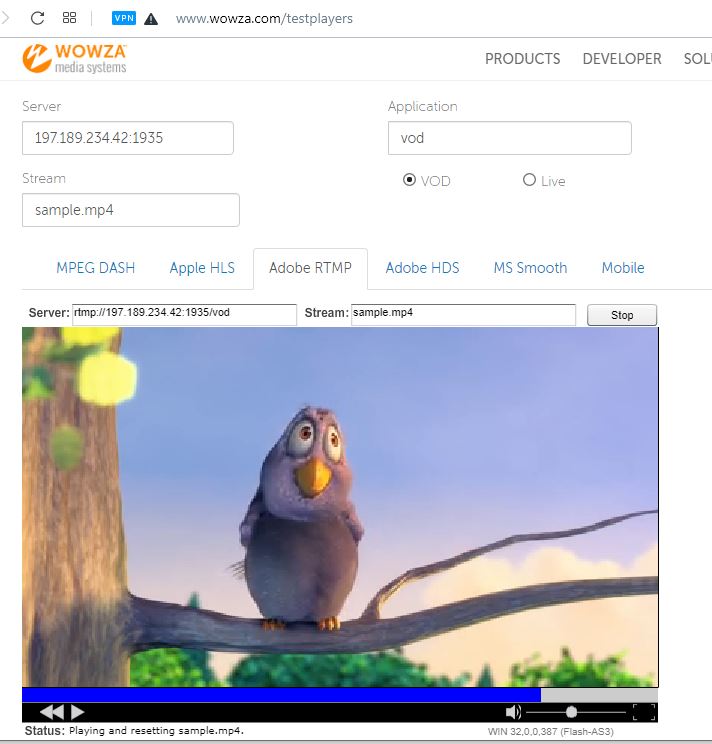
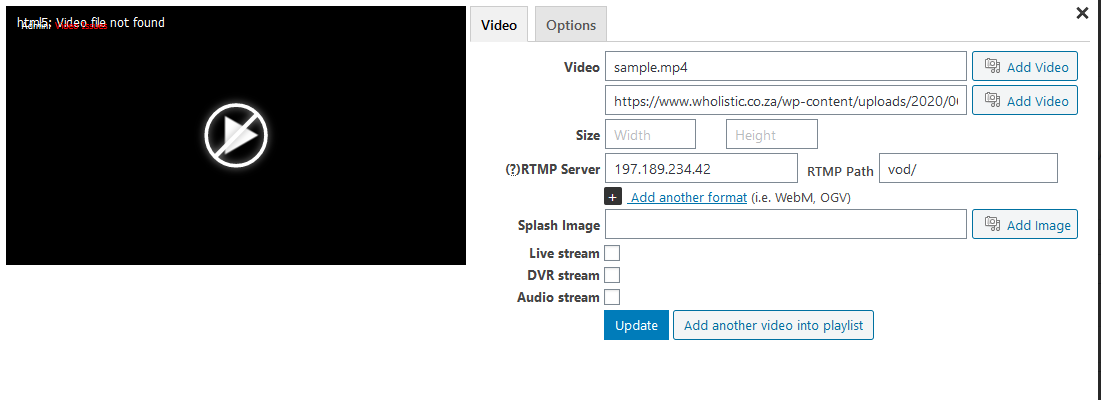
    I have a Wowza Media Server Installed and I need a player that streams on RTMP. I used your player a while back with no issues but this later version won’t work. I tried many combinations of syntax with no luck. It always tells me “File Not Found” If I test the stream with the wowza test player is works fine with this address: rtmp://197.189.234.42:1935/vod/sample.mp4.
    How do you enter the server and Path on your player so it works.
    Content folder is on d: drive not default drive.
    Please help
    Thanks
    Omar Schettini
    Please help

    rtmp_stream
    RTMP_stream
Viewing 10 replies - 1 through 10 (of 10 total)
  • Juraj Kacaba 6 years ago
    Avatar photo

    Hello Omar,

    Thanks for reaching to us!

    Can you please check that stream with our Admin Video Checker?

    If any error appears please copy the content to your reply.

    Thanks,
    Juraj

    Omar Schettini 6 years ago

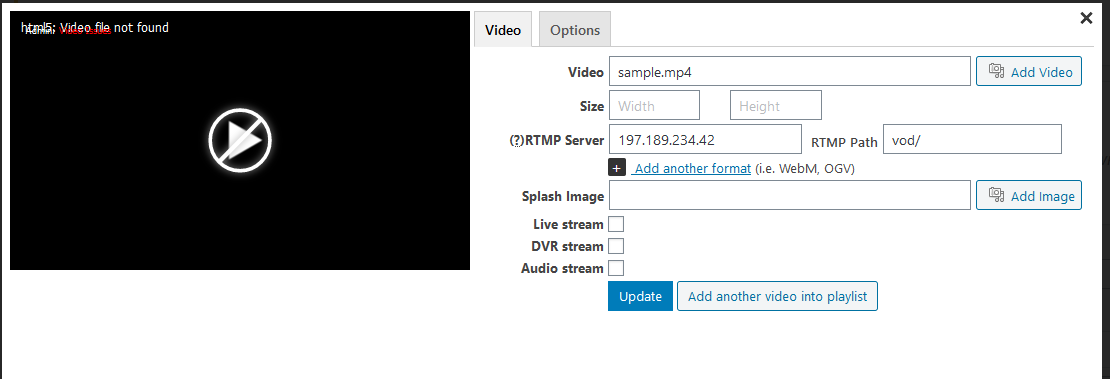
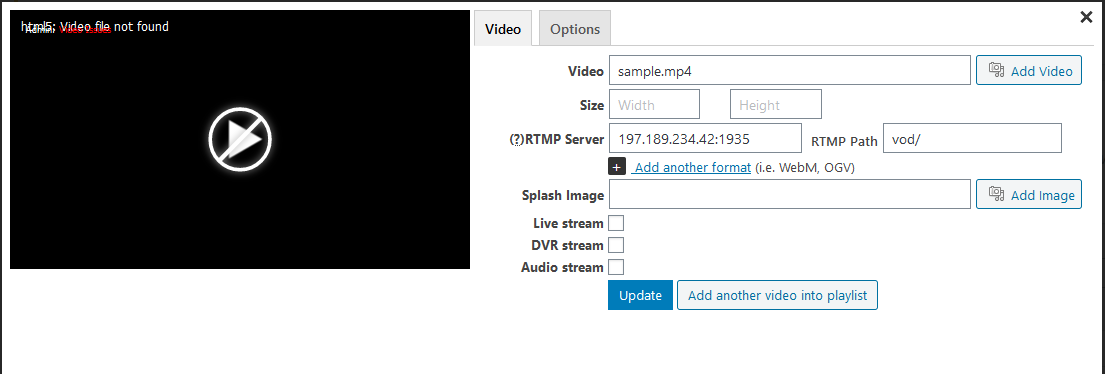
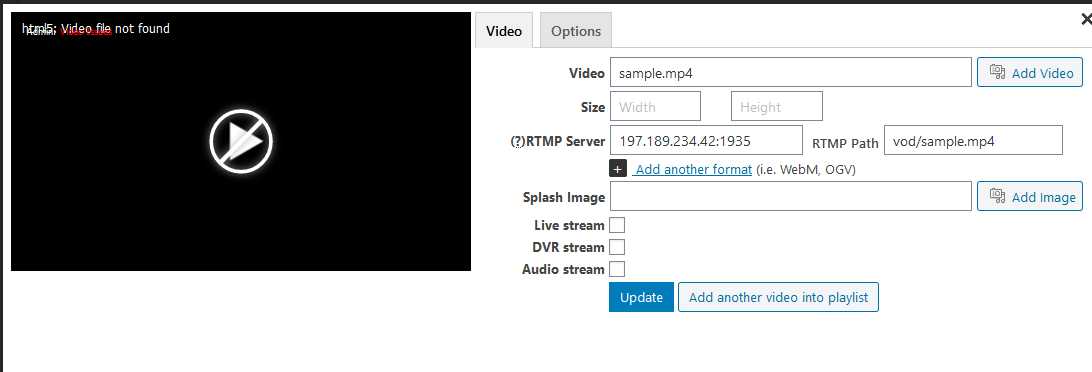
    I tried all combinations and error still comes up.See pictures
    Am I putting the wrong syntax?
    Can you try on your side?
    I really need it to work.
    Thanks

    Omar Schettini

    file-not-found_4
    File-not-found_4
    file-not-found_3
    File-not-found_3
    file-not-found_2
    File-not-found_2
    file-not-found
    File-not-found
    Martin 6 years ago

    Hello Omar,

    the Video field needs to stay empty. RTMP server needs to be rtmp://197.189.234.42:1935/vod and RTMP path needs just sample.mp4 in it.

    However I see that the preview won’t work if there is nothing in “Video” field. We will fix that.

    Thanks,
    Martin

    Omar Schettini 6 years ago

    Hi:
    My preview still doesn’t work.
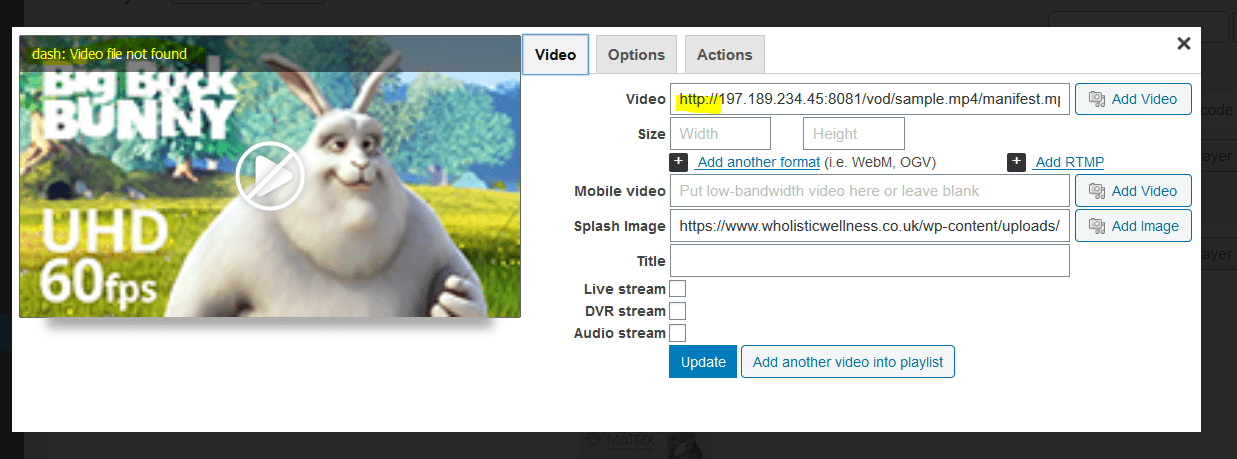
    How do I put a mpeg-Dash file.
    Can you tell me the syntax?
    When I try to put it as a video file it saves it as an rtmp file and then it cannot find the dash file

    Martin 6 years ago

    Hello Omar,

    we have fixed the RTMP preview for the upcoming FV Player 7.5 version which will take 1-2 months before it’s fully finished. We done some bigger editor improvements in it.

    MPEG-DASH stream can be inserted like any other video link. It doesn’t have a strict division of the streaming server URL and the streaming path like RTMP does.

    Thanks,
    Martin

    Omar Schettini 6 years ago

    Hi Martin:
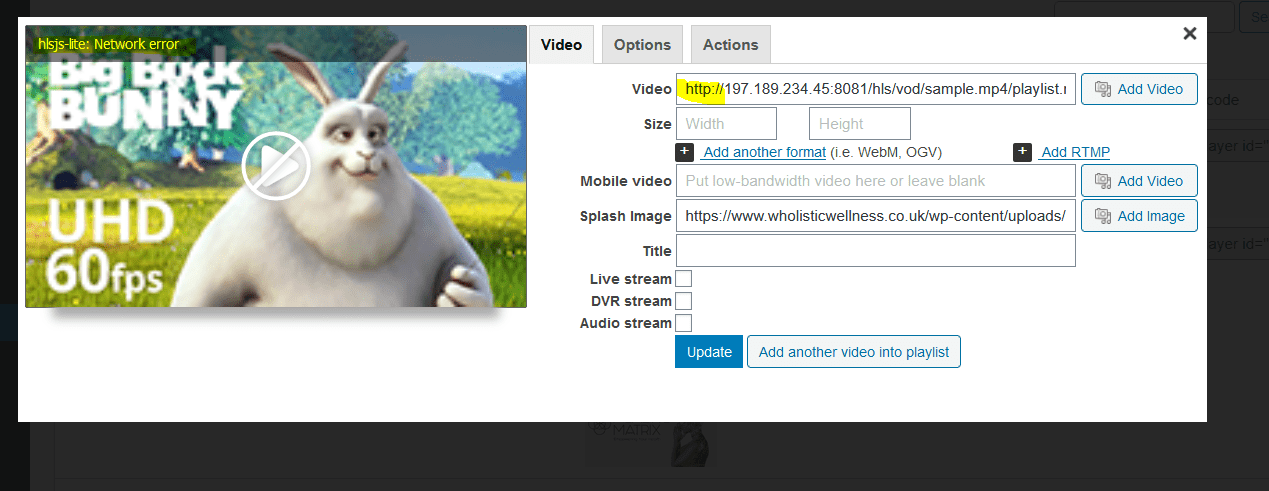
    The file MPEG-Dash won’t load. Is the same issue that with RTMP (File not found) also I tried to input an HLS Stream and I had the same issue.
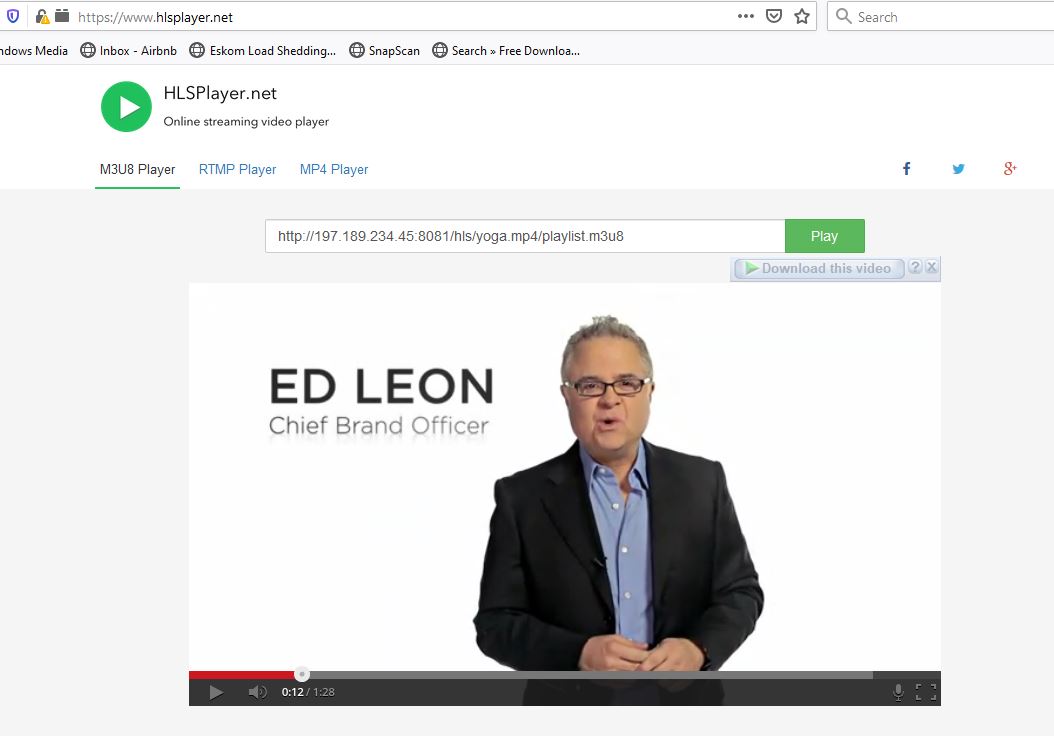
    THEO Player Plays the Dash File with no problem and HLS Player plays the HLS stream also with no problems. (See pictures)
    Can you find a workaround please?
    Thanks
    Omar Schettini

    hls_player
    HLS_Player
    hls_error
    HLS_Error
    dash_player
    Dash_Player
    dash_error
    Dash_error
    Martin 6 years ago

    Hello Omar,

    in case of that MPEG-DASH stream I see you entered htttp:// instead of http://. Once you fix that it will play. Please double check that for HLS as well.

    Thanks,
    Martin

    Omar Schettini 6 years ago

    Hi Martin:
    Thanks for coming back.Unfortunately the streams (Dash and HLS) won’t work. I use http:// on both and the right syntax and I get file not found.
    I think is the same issue that with RTMP that you fixed before. It can’t find the file for some reason.
    As I showed you on the previous pictures both streams work on other players.
    Hope you find the problem otherwise the player is of no use to me at all.
    I can’t use Theo Player because uses https:// when it creates the player and I dont have SSL for my IP addresses.
    I would love to buy your player because I can integrate it with Vimeo also.
    Regards
    Omar Schettini

    hls_error-2
    HLS_Error-1
    dash_error-2
    Dash_error-1
    Omar Schettini 6 years ago

    Hi Martin:
    You can check Dash and HLS streams here
    https://www.wholistic.co.za/test/

    regards
    Omar Schettini

    Martin 6 years ago

    Hello Omar,

    your website runs on https:// while your video hosting does not. So the videos won’t play no matter what browser you choose. It’s not a limitation of FV Player, as you noted Theo Player works the same way. Web browsers work this way to ensure maximum security.

    Thanks,
    Martin

Viewing 10 replies - 1 through 10 (of 10 total)
Reply To: RTMP file not found – not working in preview


Please Sign in or Register to upload files.

Related Posts

  1. How to use RTMP streams with Flash – Deprecated

  2. Empezar y terminar el tiempo de encargo (English)

  3. Benutzerdefiniert Start und End Zeit

Primary Sidebar

How to …

    Categories

    • Business
    • Camera Reviews
    • Case Studies
    • Design
    • FV Player
    • Internet Marketing
    • IT
    • Life
    • SEO
    • Slovak
    • Video of the Week
    • WordPress

    Footer

    Our Plugins

    • FV WordPress Flowplayer
    • FV Thoughtful Comments
    • FV Simpler SEO
    • FV Antispam
    • FV Gravatar Cache
    • FV Testimonials

    Free Tools

    • Pandoc Online
    • Article spinner
    • WordPress Password Finder
    • Delete LinkedIn Account
    • Responsive Design Calculator
    Foliovision logo
    All materials © 2026 Foliovision s.r.o. | Panská 12 - 81101 Bratislava - Slovakia | info@foliovision.com
    • This Site Uses Cookies
    • Privacy Policy
    • Terms of Service
    • Site Map
    • Contact
    • Tel. ‭+421 2/5292 0086‬