Are you having problems with this plugin? Write us about it!
FV Edit Templates is our solution for improving WordPress editing for up to version 2.5. For WordPress 2.7 and later we recommend our new plugin called FV Clone Screen Options which provides much the same functionality.
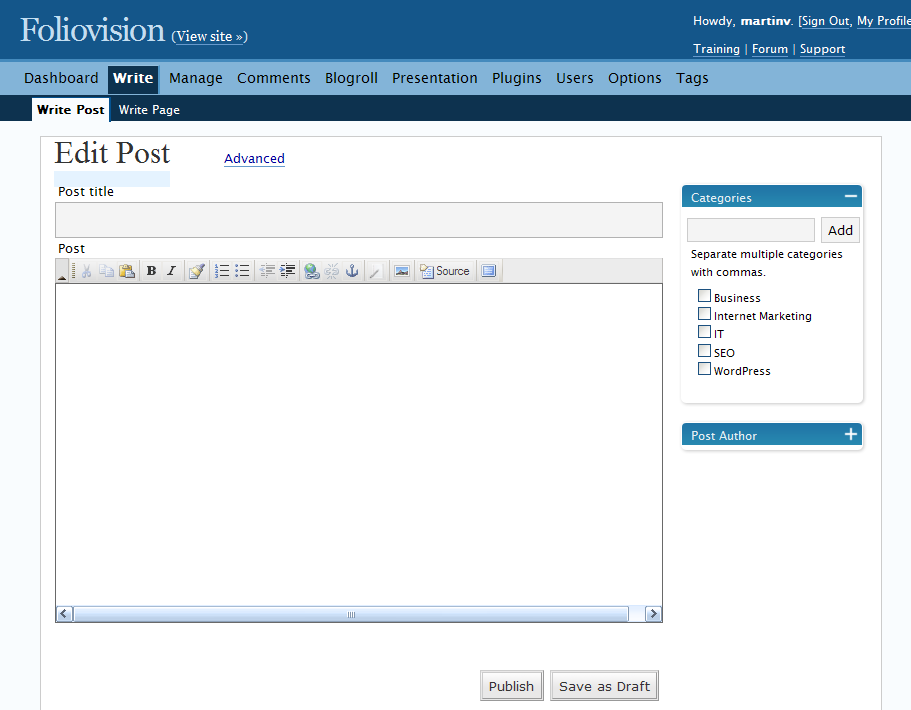
The basic idea behind FV Edit Templates is to get rid of the fields we don’t use too much, when writing a post or a page. As you can see, the editing screen looks very simple with this plugin.
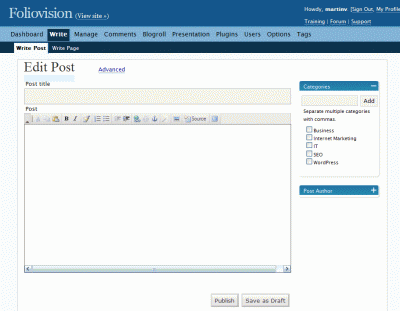
FV Edit Templates – basic mode
And even better – it takes only single click to bring back in all the advanced and even some extra fields. Note that you need to install additional plugins to actually have these extra fields and in order for this plugin to work correctly.

fv edit templates screen2
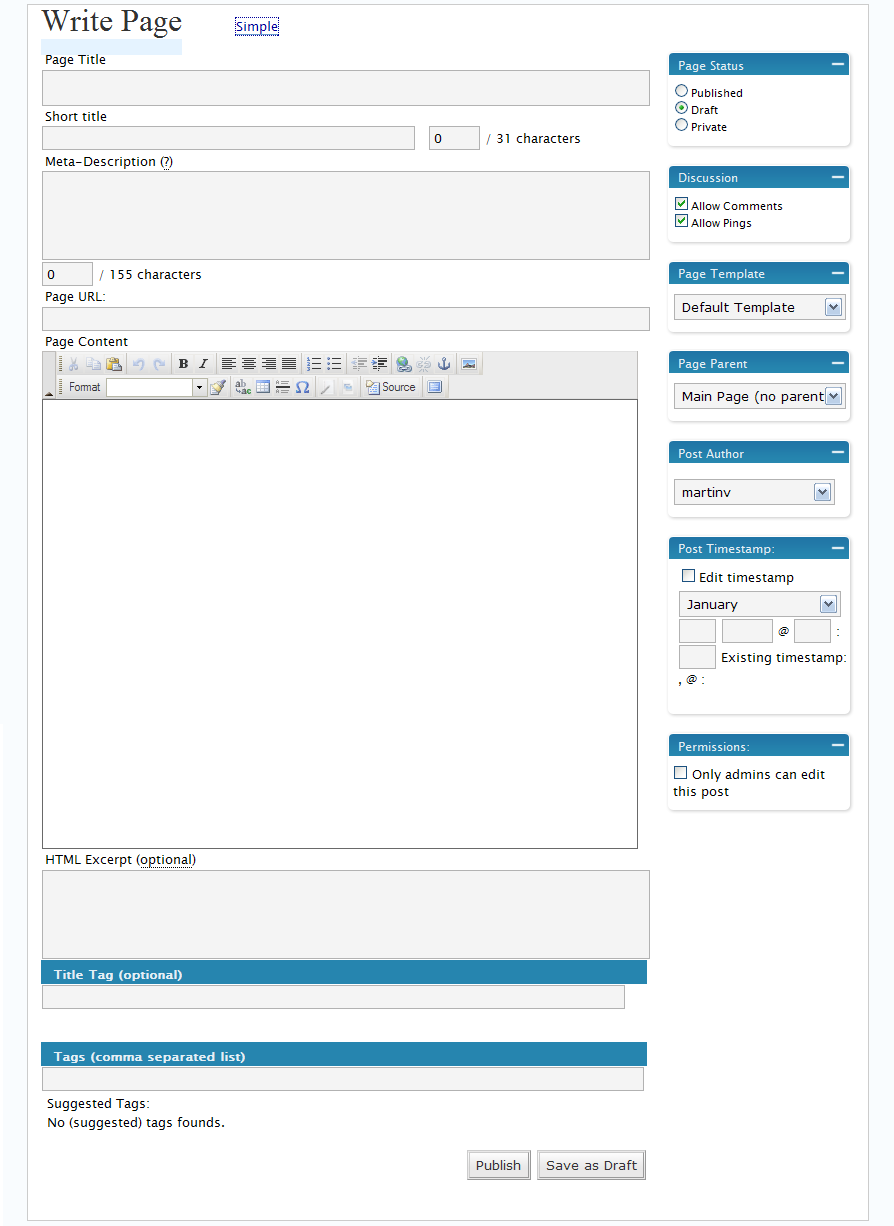
This setting is stored inside the database – our plugin remembers which editing mode you used the last time when editing or writing a post (you need to save some post or page to store this setting).
Additional features
Two new custom fields:
- Short title
- HTML Excerpt
Detailed field description
The plugin also adds new custom fields. First of them is the Short Title, which can be used to specify the shorter version of page title. It’s stored as post meta data with name fv_short_title.
Second of them is HTML Excerpt. We use this field instead of the original Excerpt field, which is now called Meta-Description, because it’s used for page meta description field. That’s why we put no HTML in it. The HTML is stripped anyway, but we want to have a full control of its content. There’s also a 155 character limit on it, because that’s roughly the number of characters Google is accepting as the page description. This limit is just for your information, it does not delete any characters automatically. Its name is fv_excerpt2.
Use following code in your templates inside the loop to pull out the contents of these fields (and also any other post meta values):
global $post;

get_post_meta($post->ID, 'fv_excerpt2',true);
Further reading about using post meta in templates can be found here:
http://codex.wordpress.org/Using_Custom_Fields
Plugin requirements
- WordPress 2.2 – 2.3 (other versions may work, but this is well tested)
- SEO Title Tag — http://www.netconcepts.com/seo-title-tag-plugin/
- Simple tagging — http://wordpress.org/extend/plugins/simple-tagging-plugin/
Installation
- Download the FV Edit Templates 0.3.8 here: FV Edit Templates 0.3.8
- Unzip and copy the directory to your WordPress installation plugins folder.
- Activate the plugin.
- If not all the advanced fields are hidden, you should check if you have all the required plugins installed.

I would love to use your plugin, however, I need authors to be able to write posts and currently, when logged in as an author, there is a message that starts with “Handle With Care…” and does not allow authors to post. Is there a simple fix for this?
Hello grabutty,
what Wordpress version are you using? We don’t recommend using this plugin above 2.3 version.
Also, Authors are able to edit only their own posts, but I guess that’s not the issue here.
Thanks, M.