• Skip to main content
  • Skip to primary sidebar
  • Skip to footer

Foliovision

  • Weblog
    • FV Player
    • WordPress
    • Video of the Week
    • Case Studies
    • Business
  • About
    • Testimonials
    • Meet the Team
    • We Support
    • Careers
    • Contact
    • Pricing
  • Products
  • Support
    • FV Player Docs
    • Pro Support
  • Login
  • Basket is empty

Amazon S3 Browser is not loading

[Solved]

Foliovision › Forums › FV Player › Troubleshooting › Amazon S3 Browser is not loading

  • Maxim S. 7 years ago

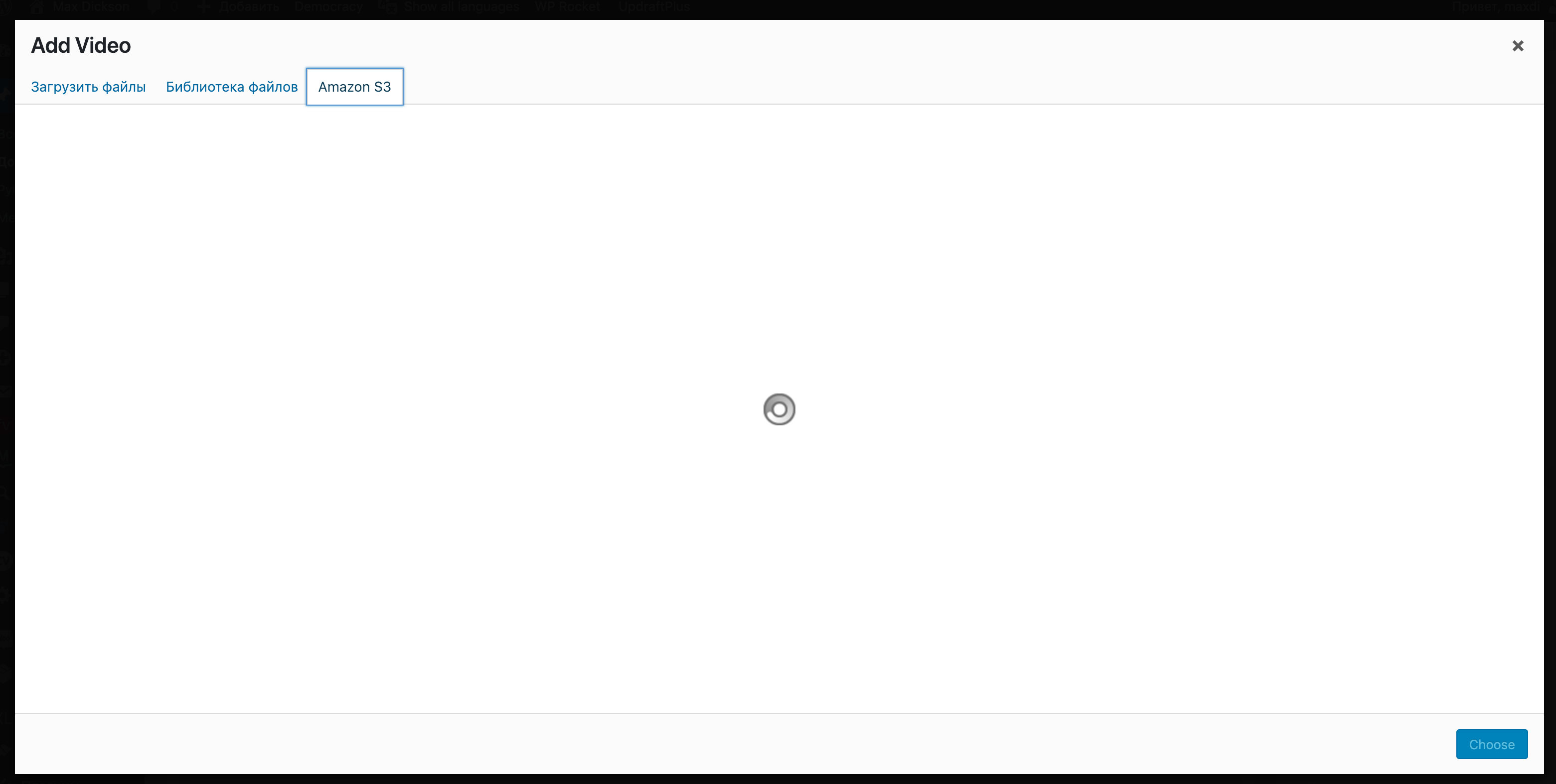
    Amazon S3 Browser is not loading. I use user policy S3-Full-Access.

    01-foliovision
    01-foliovision
Viewing 8 replies - 1 through 8 (of 8 total)
  • Maxim S. 7 years ago

    The option to upload directly in Flowplayer to Amazon S3, choosing buckets and create folders – will be the BEST decision!

    Martin 7 years ago

    Hello Maxim,

    we have encouintered the same issue when using with a S3 bucket with 100,000 files in it. We are working on improving our support for such large amounts of files.

    But if it’s not you case, then:

    1) Please install the Error Log Viewer plugin https://wordpress.org/plugins/error-log-viewer/ to see if any error appears each time you try to open that Amazon S3 tab.

    2) Please open your browser JavaScript console (here’s how: https://codex.wordpress.org/Using_Your_Browser_to_Diagnose_JavaScript_Errors#Step_3:_Diagnosis ) and then repeat your action and see if you get some error.

    Upload would be great, along with a way of triggering an encoding job automatically.

    Thanks,
    Martin

    Martin 7 years ago

    Hello Maxim,

    FV Player 7.3.9.727 has the improved S3 Browser in it which works even with 100,000 files. The downside is that we had to drop the search function as there is no API call for it.

    Thanks,
    Martin

    Maxim S. 7 years ago

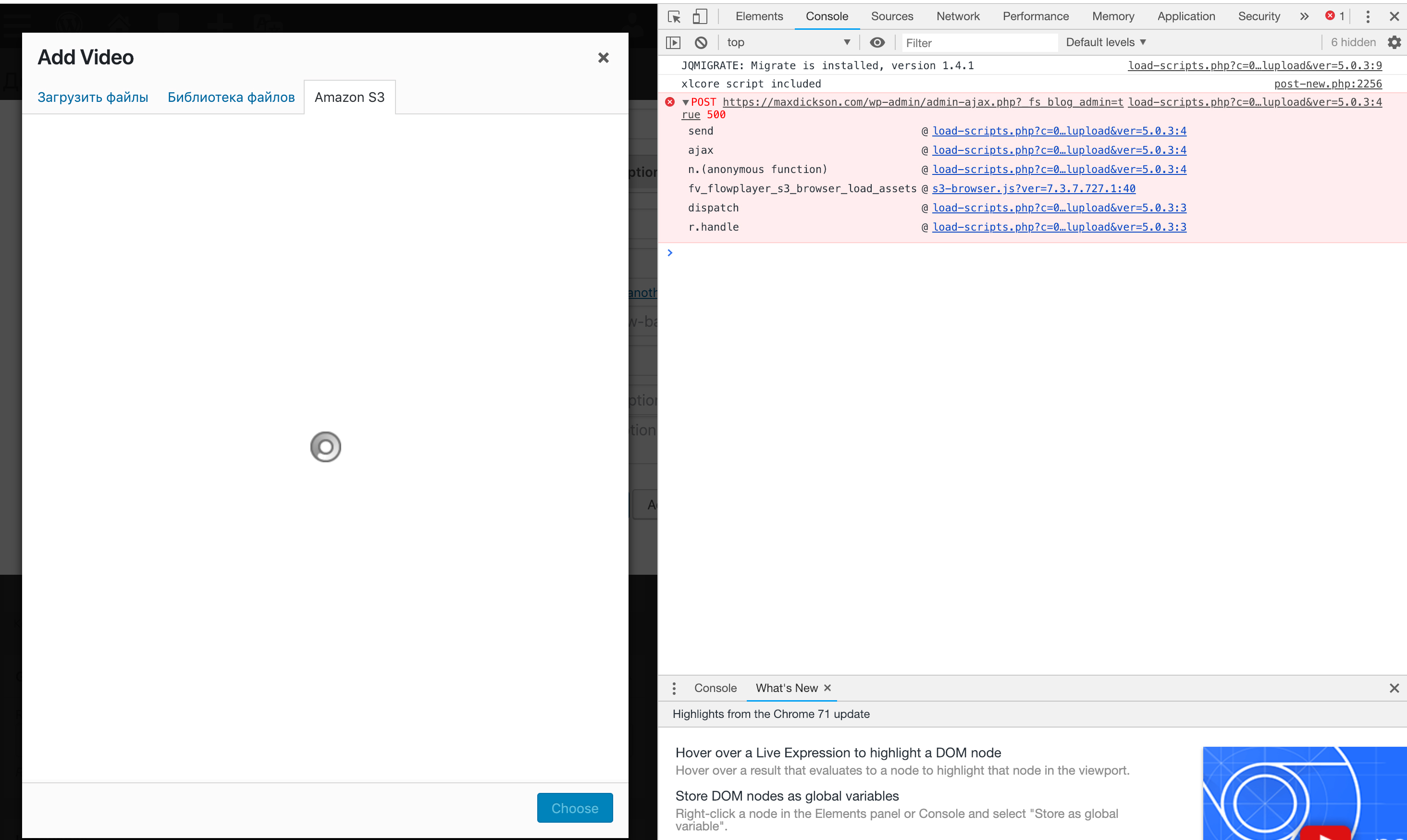
    I open browser JavaScript console and it show me some errors, see screenshot. S3 Browser still not loading.

    error-4
    error
    Alec Kinnear 7 years ago
    Avatar photo

    Thanks for error report with screenshot Maxim. We’ll get this solved for you ASAP.

    Martin 7 years ago

    Hello Maxim,

    actually I see that FV Player 7.3.9.727 didn’t go out as it was supposed to.

    Now it’s out, so please make sure you are on that latest version and try again.

    Thanks,
    Martin

    Maxim S. 7 years ago

    No, it’s not working.

    Martin 7 years ago

    Hello Maxim,

    1) Please install the Error Log Viewer plugin https://wordpress.org/plugins/error-log-viewer/ to see if any error appears each time you try to open that Amazon S3 tab.

    2) Please open your browser JavaScript console (here’s how: https://codex.wordpress.org/Using_Your_Browser_to_Diagnose_JavaScript_Errors#Step_3:_Diagnosis ) and then repeat your action and see if you get some error.

    Thanks,
    Martin

Viewing 8 replies - 1 through 8 (of 8 total)
Reply To: Amazon S3 Browser is not loading


Please Sign in or Register to upload files.

Related Posts

  1. Shortest Amazon Affiliate Links

    Shortest Amazon Affiliate Links

  2. FV Player adds S3 Browser and lightbox autoplay

  3. Amazon S3 Firmado URLs (English)

    Amazon S3 Firmado URLs (English)

Primary Sidebar

Troubleshooting

    Categories

    • Business
    • Camera Reviews
    • Case Studies
    • Design
    • FV Player
    • Internet Marketing
    • IT
    • Life
    • SEO
    • Slovak
    • Video of the Week
    • WordPress

    Footer

    Our Plugins

    • FV WordPress Flowplayer
    • FV Thoughtful Comments
    • FV Simpler SEO
    • FV Antispam
    • FV Gravatar Cache
    • FV Testimonials

    Free Tools

    • Pandoc Online
    • Article spinner
    • WordPress Password Finder
    • Delete LinkedIn Account
    • Responsive Design Calculator
    Foliovision logo
    All materials © 2026 Foliovision s.r.o. | Panská 12 - 81101 Bratislava - Slovakia | info@foliovision.com
    • This Site Uses Cookies
    • Privacy Policy
    • Terms of Service
    • Site Map
    • Contact
    • Tel. ‭+421 2/5292 0086‬